Master Website Development
Website Development
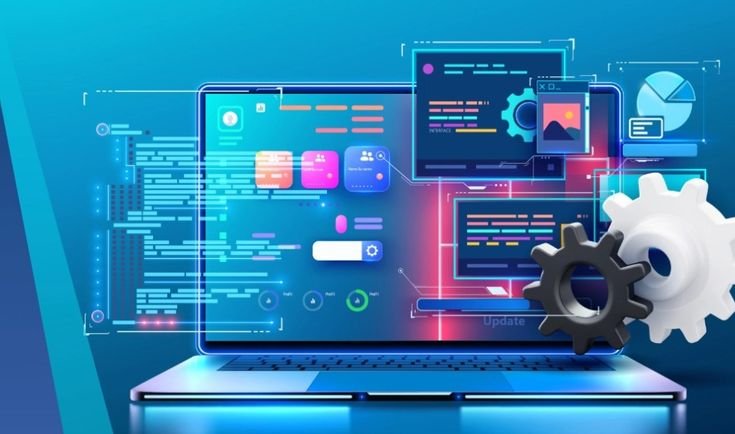
Learn full-stack web development from the ground up. You’ll master HTML, CSS, JavaScript, React and Node.js-and graduate with a portfolio of real projects that demonstrate your skills to employers.
Tools & Technologies
Tools You Will Master
Hands-on training with essential tools and platforms used by industry professionals.
Industry Relevant Tools
Website SEO
Learn how to optimize websites for better search engine visibility and rankings. Build a strong SEO foundation to improve organic traffic and online presence.
On-Page SEO
Optimize content, keywords, headings, meta tags, and page structure effectively. Learn techniques to make web pages search-engine and user-friendly.
Off-Page SEO
Learn backlink building and strategies to strengthen website authority. Improve search rankings through effective off-page optimization.
Technical SEO
Learn to optimize website speed, crawling, indexing, and technical performance. Improve website structure to make it more accessible to search engines.
Off-Page SEO
Learn backlink building and strategies to strengthen website authority. Improve search rankings through effective off-page optimization.
MODULES
What you’ll learn
Importance Of Website
Understand why every business needs a professional website in today’s digital world. Learn how websites help build credibility, generate leads and increase sales. Explore the role of website in business growth and online presence.

Types Of Websites
Learn about different types of websites, including business, e-commerce, portfolio, blog and landing pages. Understand the purpose and features of each website type. Choose the right website based on business requirements.
Fundamental Of Web Development
Learn the basic concepts of how websites work, including domains, hosting, browsers and web pages. Understand the structure and functionality of a website. Build a strong foundation before starting website development.
Website Structure & Layout Design
Learn how to plan a professional website layout for a better user experience. Understand headers, footers, navigation menus, sections and page hierarchy. Create visually appealing and user-friendly website structures.
Website Planing & Project Setup
Learn how to plan, organize and start a website development projects. Understand client requirements, website goals and projects workflow. Prepare the resources needed before development begins.
HTML Fundamentals
Learn how the basics pf HTML, the foundation of every website. Understand tags, headings, paragraphs, links, images, tables and forms. Build simple web pages using clean and structured HTML.
Introduction To WordPress
Learn the basics of WordPress, the world’s most popular content management system. Understand themes, plugins, dashboards and website customization. Create websites efficiently without extensive coding.
Website Design With Elementor
Learn to build professional websites using the Elementor page builder. Create responsive pages with drag-and-drop functionality. Design modern and attractive websites without coding.
Essential Website Features
Learn to add contact forms, Google Maps, payment gateways and useful plugins. Understand plugin installation, configuration and website functionality. Enhance website with essential business features and integrations.
Website Testing & Optimization
Learn how to test your website before making it live. Check responsiveness, speed, performance and functionality across devices. Publish a fully optimized website with confidence.
Have Questions?
Frequently Asked Questions
Clear your doubts about the curriculum, placements, and certifications
What is Website Development?
Website development is the process of creating, designing, and maintaining websites for businesses, organizations, or individuals.
What is WordPress?
WordPress is a popular Content Management System (CMS) used to create and manage websites without requiring advanced coding skills.
What will I learn in this course?
You will learn website planning, basic HTML, website layouts, WordPress, Elementor, responsive design, and essential SEO concepts.
Will I learn how to create a website from scratch?
Yes. You will learn the complete process, from planning and designing a website to building and publishing it online.
Do I need coding knowledge to learn website development?
No. Beginners can start from the basics and gradually learn HTML, CSS, WordPress, and other essential web technologies.
What is Elementor?
Elementor is a visual website builder for WordPress that allows you to design web pages using a drag-and-drop interface.
Can I create a website without coding?
Yes. Tools like WordPress and Elementor allow you to create professional websites with little or no coding.
Will I learn responsive website design?
Yes. You will learn how to create websites that work properly across desktops, tablets, and mobile devices.
Will I learn SEO along with website development?
Yes. You can learn basic SEO practices and how to structure websites for better search-engine visibility.
Is this course suitable for beginners?
Yes. The course is designed to start from the fundamentals and gradually move toward practical website development.